The paperwork side of field work, fixed.
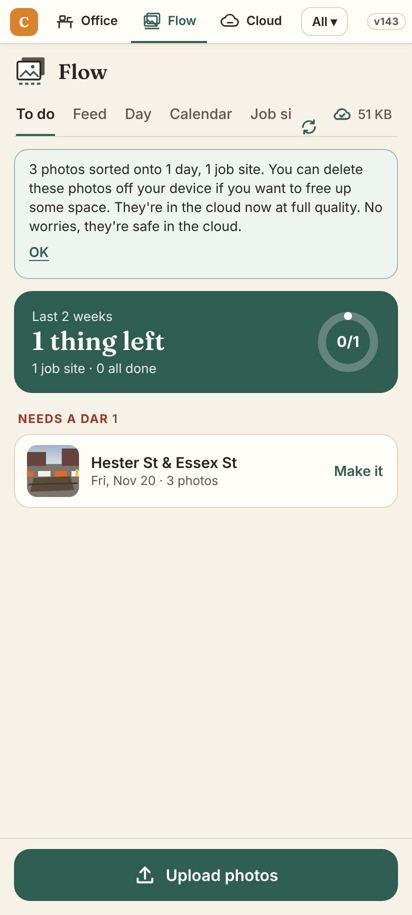
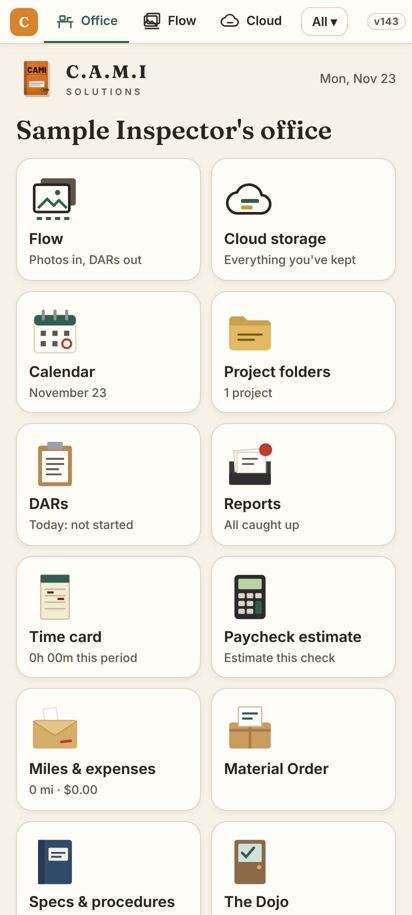
Your photos go in. Your DAR, your field report and your sketch come out. CAMI sorts your day by job site, and Cami, your helper, fills in the boring parts and asks about the rest.
Android app coming to Google Play.
The work gets done. The paperwork is what's broken.
Every field day ends the same way: photos scattered across a phone, the same contractor and work order typed for the hundredth time, a sketch drawn on a napkin and redrawn at night.
Contractor, project number, work order, location, hours. Every report, every day.
Hundreds a week, mixed between job sites and days, and you're the one sorting them.
The day log, the report, the sketch and the mileage all live in different places.
One flow for the whole day
Less is more. Most of the people doing this work aren't computer people, so CAMI keeps it to a few big steps.
From your phone, your camera roll or a whole folder. CAMI reads where and when each was taken.
By day and by job site, with duplicates left out. Photos with no location get a quick review.
She knows the contractor, the work order and your crew from the days before, and asks to confirm.
DAR, then the FAR, then the sketch. Each one done, checked, and kept.
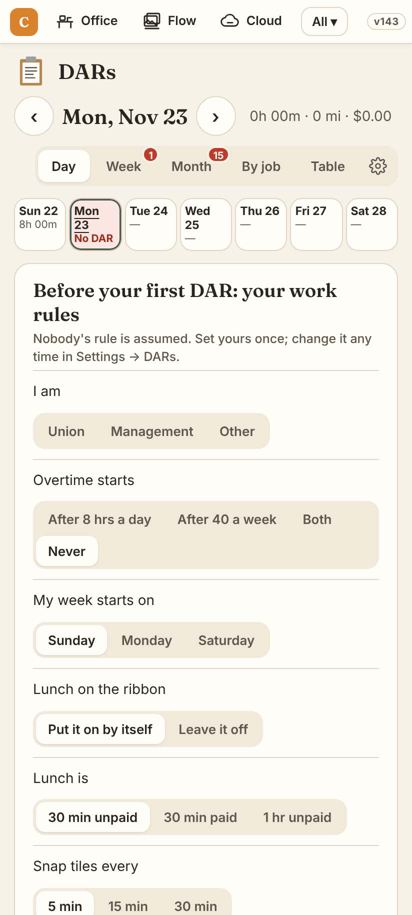
Daily activity reports on a timeline
Slide your tasks on the day's ribbon. Lunch, overtime, gaps and overlaps are worked out for you.
- Work codes in your company's order
- Hours, miles and expenses add themselves up
- Time conflicts flagged, never fixed behind your back
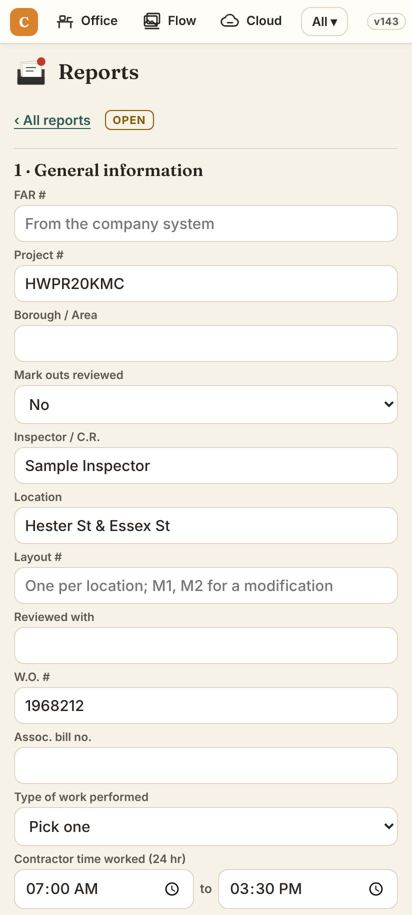
Field reports laid out like the real form
The same sections your company uses, filled off the DAR so nothing gets typed twice.
- Pay items tied to the job's approved list
- Crew, equipment and payment statements
- Copy it all as text for the company system
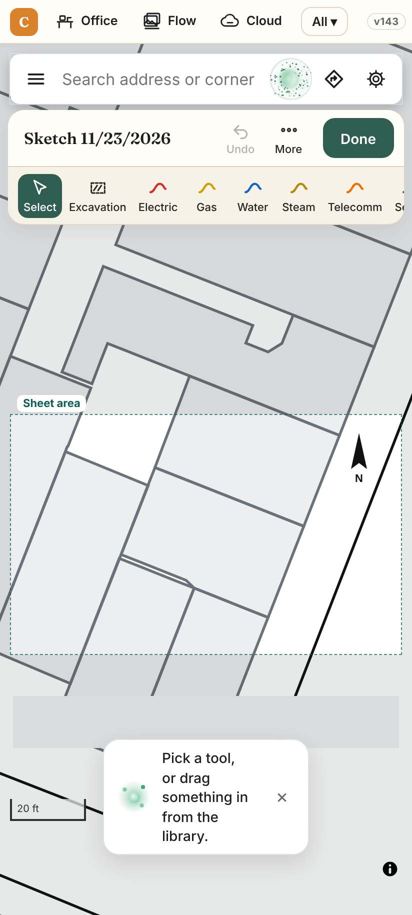
Sketches to scale, on real curb lines
Draw the work site where it really is: cuts, ties off the curb, structures, utilities and pay areas.
- Witness lines and measurements done right
- Cross sections with real road layers
- Print on any paper size, true to scale
On your computer too
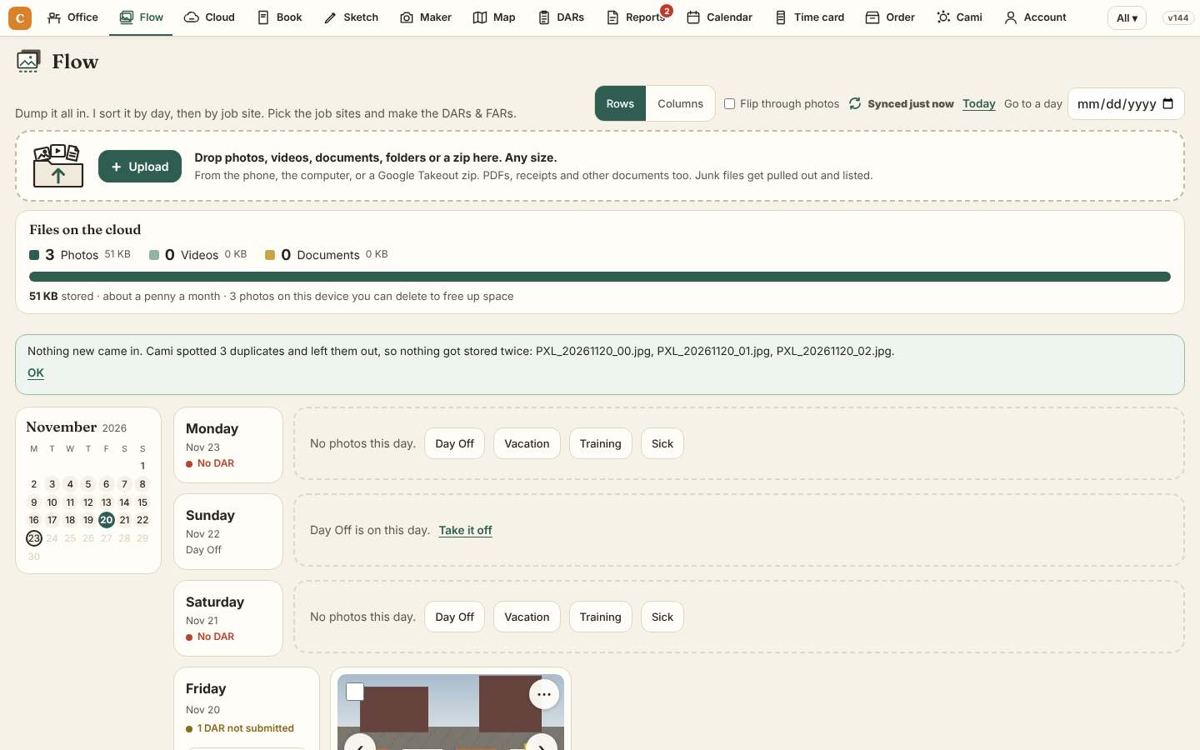
At the desk, the Flow Board lays your day out side by side: Cami docked on the left, your tools as cards to her right.
Meet Cami
She's your helper, not a chatbot. Talk or type, and she does the work in the app for you. She asks for what's missing one short question at a time, never guesses a measurement, and asks before she changes or deletes anything.
Where CAMI is going
Work comes first, because that's where the mess is. But the goal is bigger: structure for the whole week, for people who need it.
Reports, sketches, the day, the miles, the time card.
Your time off, your money, your plans, all in one book.
Rest, movement and the habits that keep you going.
Less on your plate, so there's room for what matters.
Your stuff is yours
CAMI makes its living off the app, not off you.
No tracking companies, no ad networks. Your work isn't the product.
Unless you turn on CAMI's storage, so your other devices can see them. Only you can open them.
Your account and everything with it, right from the app. How.
Get your evenings back.
CAMI runs in your browser on any phone or computer today. The Android app is on its way to Google Play.